
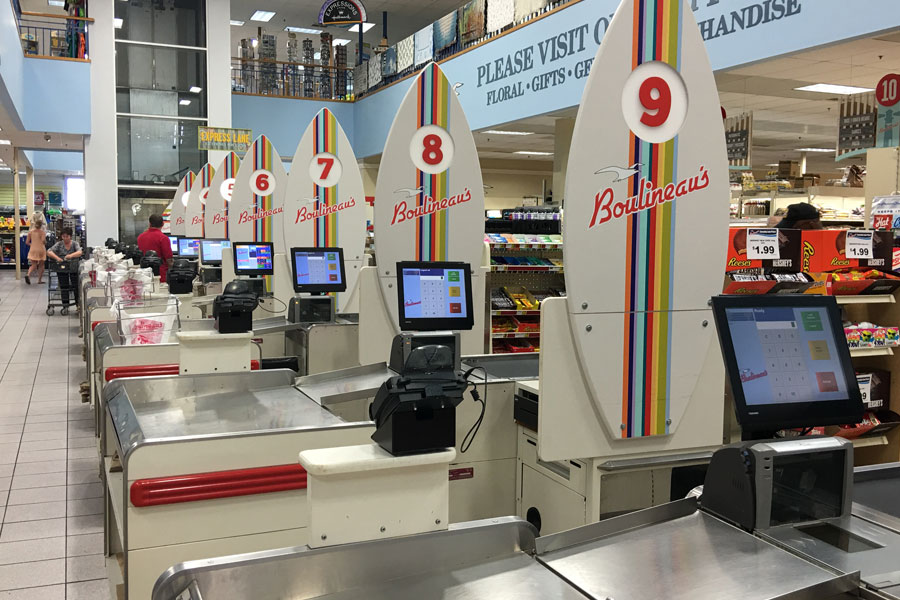
Long checkout lines don’t just frustrate shoppers. They affect where customers choose to shop and whether they complete a purchase. According to Waitwhile’s 2025 consumer research, 84% of consumers will avoid a business if they expect a wait, while 39% will switch to a competitor or abandon their purchase when there’s a physical line. For grocers and other retailers, checkout optimization requires a line busting strategy that gives your team a plan for managing long lines before customers decide the wait isn’t worth it.
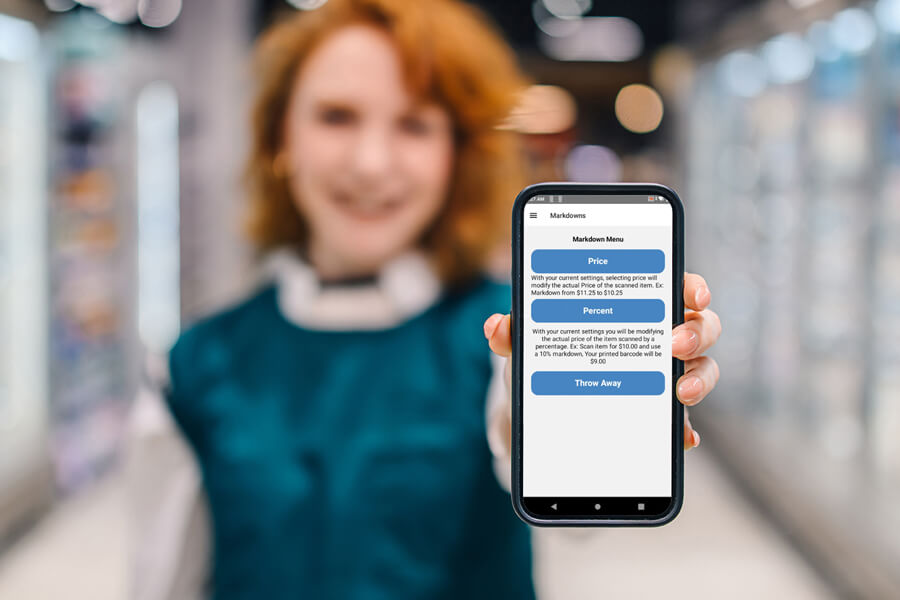
Queue management strategies incorporate mobile technology to serve customers outside the traditional checkout lane when lines start to build. Employees can total purchases in the aisle and give customers a barcode to scan at checkout for payment, reducing the time spent at the register. Having the right technology in place for customer flow management means using a mobile solution that integrates with your point of sale (POS) system, inventory database, loyalty program and syncs data in real time. This keeps transaction records accurate across systems while giving grocers more flexibility to manage checkout during busy periods.
Checkout optimization takes the right technology, well-planned processes and employees who know how to put them into practice. Grocers also need to account for different customer needs and changes in store traffic throughout the day. The goal is to manage checkout more efficiently without creating new bottlenecks elsewhere in the store.
Mobile technology only helps with line busting if employees know when and how to use it. Training should cover the device itself as well as the process employees are expected to follow when lines start to build.
Any changes to the checkout process should make shopping easier, not introduce new frustrations. Customers need to understand what to do, where to go and how payment works, while employees need to make sure the process remains fair and doesn’t create congestion elsewhere in the store.
Some transactions require the register. Knowing which customers can use the mobile process and which should go directly to a register is an important piece of checkout optimization. Staff can then direct customers to the right option from the start.
Queue management works best when grocers know when traffic typically increases and plan staffing around those periods. Store and transaction data can help identify when additional employees should be available to help customers.
Evaluating ROI means looking at both the total cost of ownership (TCO) of a line busting solution and its impact on your business. In addition to the upfront investment in mobile devices, software licenses, and training, you’ll have ongoing costs for device management, security, charging, repairs, and service. Device reliability is also a factor, since equipment failures, connectivity problems, and delayed data transfer can increase costs and disrupt checkout.
Calculating ROI isn’t always straightforward because you may not know how much business you’ve lost due to long waits or poor checkout optimization. Tracking KPIs such as sales revenue, inventory turnover, customer retention, and customer satisfaction can show how performance changes after implementation and help you evaluate the solution’s impact on your business.
Mobile checkout technology isn’t limited to transactions inside the store. Grocers and other retailers can use it for sidewalk sales, outdoor merchandise, truck sales, and other transactions outside the store. These types of sales come with different operational considerations to account for in the checkout process.
Outside sales require additional oversight because customers may not bring their merchandise through the traditional checkout process. Employees need a way to verify that the items leaving with the customer match what was scanned and paid for.
Some products may not have all the pricing information employees need available through the mobile POS. Employees need a process for handling manual price lookup and entry when necessary.
Customers need to know where to take their QR code and how to complete payment. Employees should provide simple instructions that support checkout optimization and prevent confusion from disrupting the checkout process.
A disjointed outside sales process can create lines and frustrate customers, undermining the purpose of checkout optimization. Preventing bottlenecks requires coordination.
Mobile solutions can also support checkout optimization for truck sales involving inventory that isn’t tracked in the store’s POS system. These transactions require some of the same planning as other outside sales, along with considerations specific to employees working from different locations.
RHC, our mobile POS system, combines a rugged handheld device with purpose-built software that supports checkout optimization and other mobile applications throughout your grocery operation. It gives employees more flexibility to serve customers, manage demand during busy periods, and reduce operational bottlenecks that increase operating costs and lead to customer frustration.
Having the right mobile technology in place helps your team respond to long lines, support different checkout needs, and keep transactions running efficiently. Learn how we can help you build a checkout strategy that works for your store.