

POS system troubleshooting usually starts when something breaks mid-service. An order is entered but never reaches the kitchen, or a card is approved, and the system fails to close the check, leaving the sale open. Staff end up stopping to double-check tickets instead of closing out checks, while managers lose a reliable view of sales and inventory, creating room for mistakes.
If the restaurant POS system connects to online ordering or delivery, those orders can stop coming in, too. It’s not just the front counter—it cuts off other revenue streams. To keep things moving, teams write tickets, track payments separately, and plan to fix them later, which is where mistakes start to happen.
When a system goes down, POS system troubleshooting usually ties back to a specific part of the setup, not the entire system. Most disruptions trace back to a few areas—connectivity, hardware, system performance, or transaction processing—each affecting how orders, payments, and data move during service.
Internet and network issues are a frequent source of POS downtime in restaurants because every part of service depends on systems staying connected. When that connection drops, communication between devices and services breaks down quickly, which is often where POS system troubleshooting begins.
Hardware issues slow service in ways that are hard to recover from once they start, often requiring POS system troubleshooting during active shifts. Staff end up working around devices that aren’t responding while orders and payments continue to come in.
Software or system glitches can stop orders and transactions from processing. Failed updates, configuration conflicts, or database errors can cause the system to freeze or behave unpredictably, requiring POS system troubleshooting to restore normal operation.
Transactions may not authorize even when orders are entered correctly, leaving checks open and slowing checkout, which often leads to POS system troubleshooting during service. This can happen when processors, payment networks, or integrations lose communication.
When a POS system goes down during service, the priority is figuring out where the issue is coming from. A clear starting point helps staff keep orders and payments moving while they work through the problem.
POS system troubleshooting doesn’t follow one fix. It comes down to checking the network, the equipment, and the system itself until the issue shows up. Once the cause is identified, that specific issue can be fixed rather than working through multiple possibilities.
Start by identifying where the issue is happening before making changes, as POS system troubleshooting depends on narrowing down the source first. Problems may be limited to one device or affect the entire system, and that difference determines what to check next.
When the system isn’t available, orders still need to be captured and sent to the kitchen. Switching to a backup method keeps service moving and prevents gaps in order tracking while the system is down.
Connectivity and power issues are often behind POS disruptions and can be resolved quickly once identified, making this a key part of POS system troubleshooting. Checking these first helps rule out basic problems before moving into deeper troubleshooting.
When the system is down, orders and payments still need to be documented in a way that can be reconciled later. Missing or incomplete records lead to mismatched totals, missed revenue, or duplicate charges once everything is entered back into the system.
Not all POS systems maintain operational continuity during outages or disruptions. Even the best POS for restaurants can run into snags, which is where reliability, redundancy, and system stability become critical for reducing the need for POS system troubleshooting. Operators need to evaluate system architecture, infrastructure, and vendor support to reduce the risk of downtime.
A restaurant POS system with cloud backup enables data restoration if the system goes down. Some systems also support temporary offline use, allowing orders and transactions to be captured even while the connection is down.
When the internet connection goes down, POS systems with offline payment processing allow restaurants to continue taking orders and capturing transactions. Orders can still be entered and stored, even if payments cannot be fully authorized at that moment.
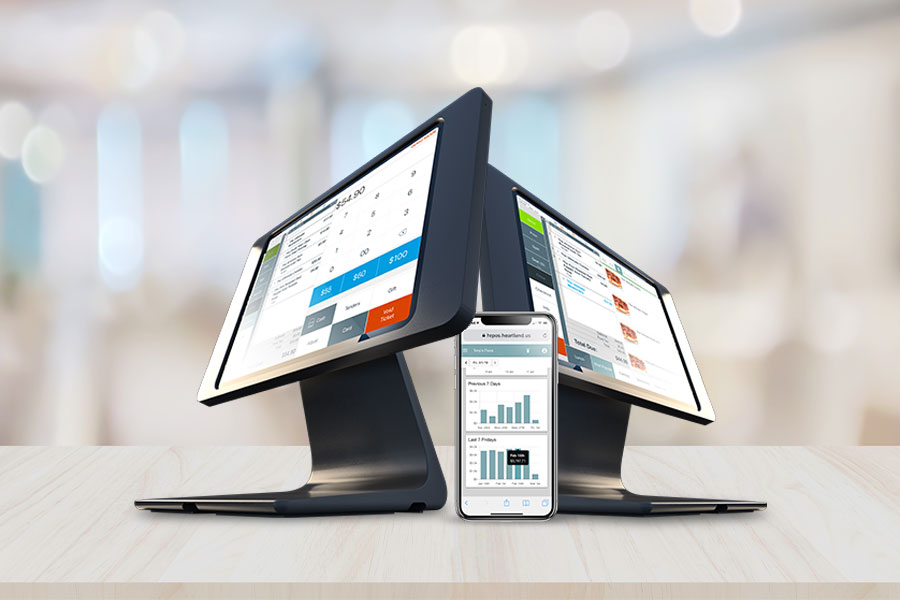
An all-in-one POS system reduces the number of separate devices that need to stay connected during service. Equipment built for restaurant use also holds up better under constant use across terminals, printers, and payment devices.
Payments processed within the POS stay tied to the order from start to finish, which reduces the need for separate devices or manual entry. That connection keeps order details, payment data, and reporting aligned without relying on multiple systems during service.
When issues come up during service, access to reliable POS support makes a difference in how long systems stay down. Support teams that understand restaurant operations can diagnose issues faster and guide staff through the next steps without slowing service further.
Some issues can be avoided with the right setup and routine checks. Power interruptions can take down terminals and network equipment, which is why battery backups help maintain transactions during short outages.
Security and system maintenance matter just as much. Outdated security measures or missed updates can affect payment processing and data integrity, while regular checks and updates help catch problems early. Being proactive and having the right partner who understands how your restaurant operates makes POS system troubleshooting easier to manage and less disruptive when something does go wrong.